CrushOn AI Image Generation 2026: How to Get Great Images
CrushOn AI's image generation feature turns text descriptions into AI-created visuals directly within your conversation — no external tool needed. The feature is available from Standard plan ($5.99/month) upward, with 50 images per month at Standard and 200 HD images per month at Premium. Image quality improved significantly in 2026, and the integration with the character system means generated images reflect the visual identity of the character you've set up. This guide covers how to generate images, what prompts work, what limits apply by tier, and how to fix the most common issues.
How CrushOn AI Image Generation Works
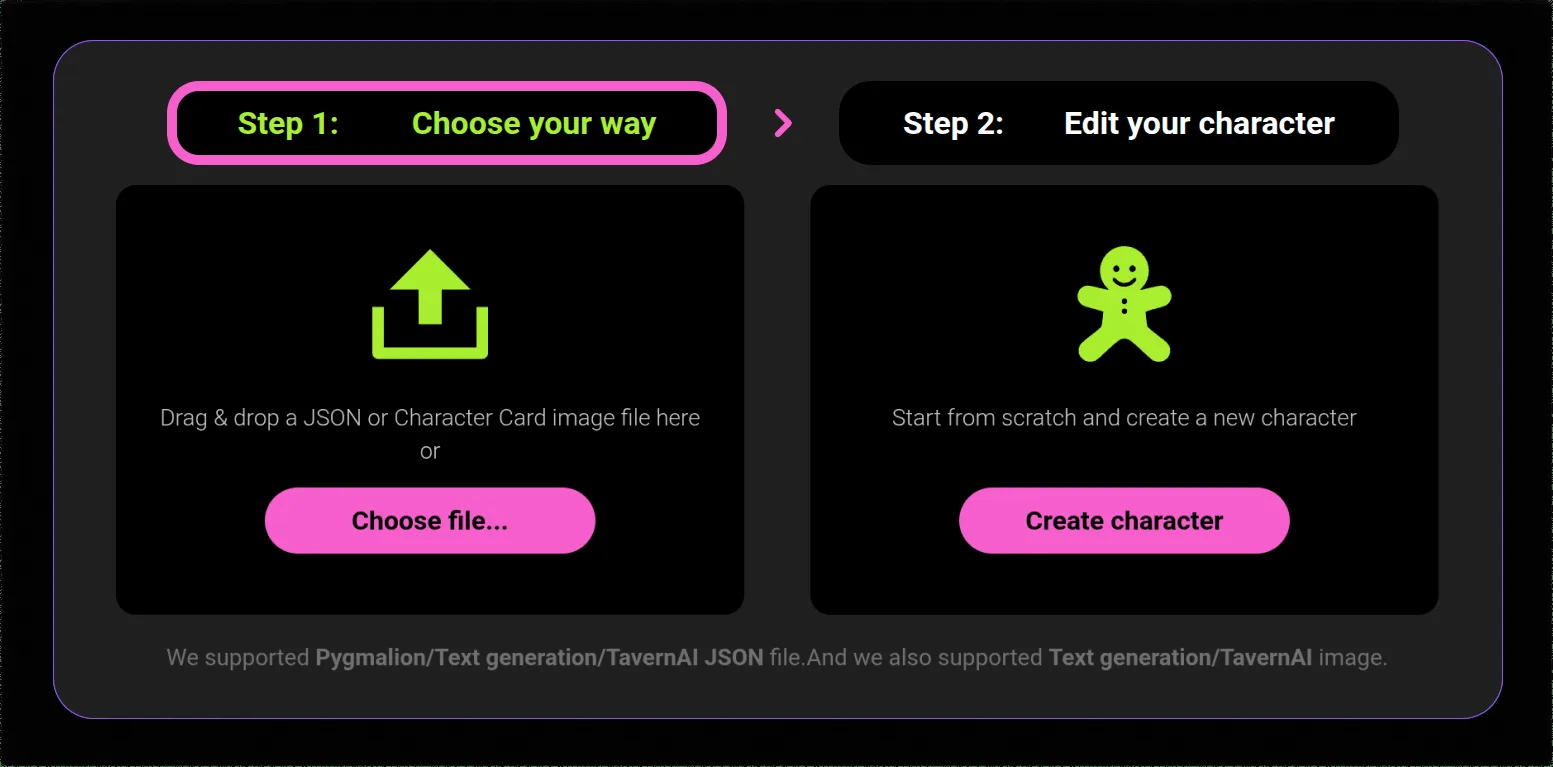
CrushOn AI uses text-to-image AI models integrated directly into the chat interface. The generation happens within the conversation — you don't navigate to a separate tool. This integration is what makes it particularly useful for roleplay: the character's visual description informs the generated output, creating visual coherence with the conversational persona.
Generation process:
- You're in a conversation with a character
- You describe an image or scene you want to see
- The platform processes your text and generates the image
- The image appears in the conversation thread within approximately 10-30 seconds
The character's defined visual traits (if specified in their profile) influence the output. A character with a defined appearance will generate images more consistent with that appearance than a character with no visual description.
Image Limits by Plan
| Plan | Monthly Images | Quality Level | Plan Price |
|---|---|---|---|
| Free | Very limited basic | Low | $0 |
| Standard | 50 | Standard | $5.99/mo |
| Premium | 200 | HD | $14.99/mo |
| Deluxe | Unlimited | HD | $49.90/mo |
The jump from Standard (50/month) to Premium (200 HD/month) is significant if you use image generation frequently. Premium's 200 monthly images translate to approximately 6-7 per day — more than enough for regular use. Deluxe removes limits entirely for users who integrate image generation heavily into their workflows.
Prompting Techniques for Better Images
The quality of your image correlates directly with the quality of your description. The AI generates based on what you specify — omissions produce generic results, specificity produces accurate ones.
Elements to specify in order of impact:
1. Main subject and appearance
What is the central focus? For character images: physical description, clothing, expression, pose. The more detail, the more accurate.
Example: "a young woman with long auburn hair, wearing a dark blue Victorian dress with lace collar, standing with arms crossed, slight smile"
2. Setting and environment
Where does the scene take place? Indoor/outdoor, time of day, specific location.
Example: "...in a candlelit library, wooden shelves filled with books in the background, warm amber light"
3. Art style
The AI can render in multiple aesthetic styles. Specifying one produces more consistent, intentional output.
Options: realistic, photorealistic, anime/manga, oil painting style, watercolor, digital art, concept art, sketch
4. Lighting and mood
Light quality changes everything. Specify warm/cool, soft/dramatic, the light source.
Example: "soft window light from the left, warm tones, intimate mood"
5. Composition
How is the scene framed? Portrait, full body, closeup, wide shot.
Complete example prompt:
"Full-body portrait of a tall woman in a dark fantasy knight's armor, silver details on black metal, long white hair visible under an open visor, standing on a misty battlefield at dawn, digital art style, dramatic low-angle composition, cool blue-grey color palette"
NSFW Image Generation
NSFW image generation follows the same tier structure as everything else on CrushOn AI — available from Standard plan and above, for adult users only. The same prompt quality principles apply: specific, detailed descriptions produce better output than vague requests.
NSFW image generation on CrushOn AI has improved noticeably in 2026, particularly for single-subject images. Multi-figure compositions and complex action scenes remain technically challenging for AI image generators generally, not just CrushOn AI.
CrushOn AI does not support uploading personal photographs into the system. All images are AI-generated from text descriptions — you cannot ask the system to incorporate existing photos.
Troubleshooting Image Problems
"Image Not Found" Error
The most common image issue. This typically occurs during peak usage hours when server load is high.
Fix: Wait 5-10 minutes and retry. The error usually resolves when server load decreases. Refreshing the page and regenerating from scratch (rather than retrying the failed request) often works faster.
Images Take Too Long or Never Load
Checks:
- Test your internet connection speed
- Try on a different browser or network
- Switch from the app to the web version (or vice versa)
- Check @CrushonAI on Twitter for any announced server issues
Image Quality Lower Than Expected
Common causes:
- Vague prompt without style specifications — add "high detail, realistic" or specify an art style
- Free tier generation quality is inherently lower than Standard/Premium HD output
- Check your subscription level in account settings to confirm you have HD access
Monthly Image Limit Reached
You'll see a notification when your monthly limit is exhausted. Options:
- Wait for your billing cycle to reset
- Upgrade to a higher tier (Standard → Premium → Deluxe)
- Deluxe has no limit
For subscription and pricing details, see our pricing guide. For character creation tips that improve visual consistency in generated images, see our character creation guide.
Ready to try CrushOn AI?
Visit CrushOn AIFrequently Asked Questions
Subscribe to Standard plan or above, then describe the image you want within a conversation. The AI generates the image in the chat thread. Be specific about subject, setting, style, and composition for best results.
The free tier has very limited basic image generation. Practical image generation use requires the Standard plan ($5.99/month) for 50 images per month, or Premium ($14.99/month) for 200 HD images per month.
Yes. CrushOn AI generates AI images of characters within conversations based on your text descriptions. Characters with defined visual descriptions in their profile will generate more visually consistent images. The platform does not use pre-existing photographs.
On most devices, images appearing in conversations can be saved using standard browser right-click save (on web) or long-press save (on mobile). The platform does not consistently provide a dedicated download button across all interface versions.
Realistic, photorealistic, and anime-style prompts consistently produce strong results. Specifying a clear art style ("anime style, highly detailed" or "photorealistic, professional portrait lighting") produces more intentional outputs than leaving style unspecified.
The free tier has very limited basic image access — not a defined monthly number. For reliable image generation, the Standard plan's 50 images per month is the minimum practical allocation.