CrushOn AI Not Working? Every Fix for 2026 Issues
When CrushOn AI stops working, the problem is almost always in one of three places: the platform's servers (something on their end), your browser or app setup (something on your end), or your account specifically. This guide diagnoses each systematically. Start with the quick checks, then work through the targeted fixes for your specific symptom.
Quick Diagnostic: Is It Them or You?
Before anything else, run this two-minute check:
- Try a different browser — open Edge or Firefox if you normally use Chrome
- Try a different device — if your phone fails, try a browser on your computer
- Check @CrushonAI on Twitter — they post status updates during outages
- Try the web version if using the app (or the app if using web)
If the problem appears on all browsers and devices: it's a server-side issue. Wait for the platform to restore service.
If it works on one browser but not another: it's a browser-specific issue.
If it works on web but not the app: it's an app-specific issue.
This isolation step saves a lot of unnecessary troubleshooting.
CrushOn AI Is Down: What to Do
CrushOn AI experiences occasional downtime due to server maintenance, high traffic spikes, or infrastructure updates. Most downtime events last minutes to a few hours; extended outages are uncommon.
What to do during downtime:
- Check Twitter @CrushonAI for status updates and estimated restoration times
- Check r/CrushOnAI on Reddit for community reports
- Do not repeatedly refresh or hammer the server — wait and retry every 10-15 minutes
- Use the web version and the app interchangeably if one returns faster than the other
There is no CrushOn AI-specific status page as of 2026. Twitter is the fastest official communication channel.
Fix: CrushOn AI Won't Load (White Screen or Endless Spinner)
Most common cause: Cached data or cookies are creating a conflict with the current version of the site.
Step-by-step fix:
- Hard refresh: Ctrl+Shift+R on Windows/Linux, Cmd+Shift+R on Mac. This bypasses the browser cache for the current page.
- Clear cache and cookies for crushon.ai:
- Chrome: Settings > Privacy and Security > Clear Browsing Data > select "Cached images and files" and "Cookies" > clear for all time
- Firefox: History > Clear Recent History > select Cache and Cookies > clear
- Disable browser extensions temporarily: Ad blockers, privacy extensions, and script blockers can interfere with CrushOn AI's loading process. Disable all extensions and try loading the site.
- Try incognito/private browsing mode: Runs without extensions and a fresh cookie state. If CrushOn AI loads in incognito but not normal mode, the problem is an extension.
- Try a completely different browser.
- Check DNS: Occasionally ISP DNS issues prevent the site from resolving. Try temporarily switching to Google (8.8.8.8) or Cloudflare (1.1.1.1) DNS servers.
Fix: CrushOn AI App Crashing
Most common causes: Outdated app version, insufficient device storage, or corrupted cached data.
Ordered fix steps:
- Update the app: Check Google Play for a CrushOn AI update. Most crash issues in specific app versions are fixed in the next update.
- Restart your device: A full device restart resolves many app stability issues caused by memory or process conflicts.
- Clear app cache: Android: Settings > Apps > CrushOn AI > Storage > Clear Cache. Don't select "Clear Data" unless advised — this removes your app-side session data.
- Check available storage: Apps crash when device storage is too low. Ensure you have at least 2-3GB free.
- Reinstall the app: Uninstall completely, restart your device, then install fresh from Google Play or the official APK from crushon.ai. Your account data is server-side and not lost.
Fix: Messages Not Sending or Getting Stuck
Most common cause: Temporary server timeout or connection issue.
Fixes:
- Wait 30-60 seconds and resend
- Refresh the conversation page
- Check your internet connection (run a speed test or test another site)
- Switch from WiFi to mobile data or vice versa
- Start a new conversation — sometimes the current session has a stuck state that a fresh conversation resolves
If messages are consistently not sending across sessions and devices: check @CrushonAI for server status updates.
Ready to try CrushOn AI?
Visit CrushOn AIFix: "Image Not Found" and Image Loading Failures
This specific error is documented as a known issue that occurs during server congestion periods.
Fixes in order:
- Retry after 5 minutes — the most reliable fix for server congestion issues
- Refresh the page entirely, then retry image generation
- Generate a new image with a fresh prompt instead of retrying the same failed one
- Switch from app to web (or vice versa) — image generation sometimes routes differently
- Try during off-peak hours (mornings are generally less congested than evenings)
Fix: DeepSeek Model Not Working
DeepSeek on CrushOn AI has had reported instability issues throughout 2026, including session failures, inconsistent response quality, and unresponsive states during conversations.
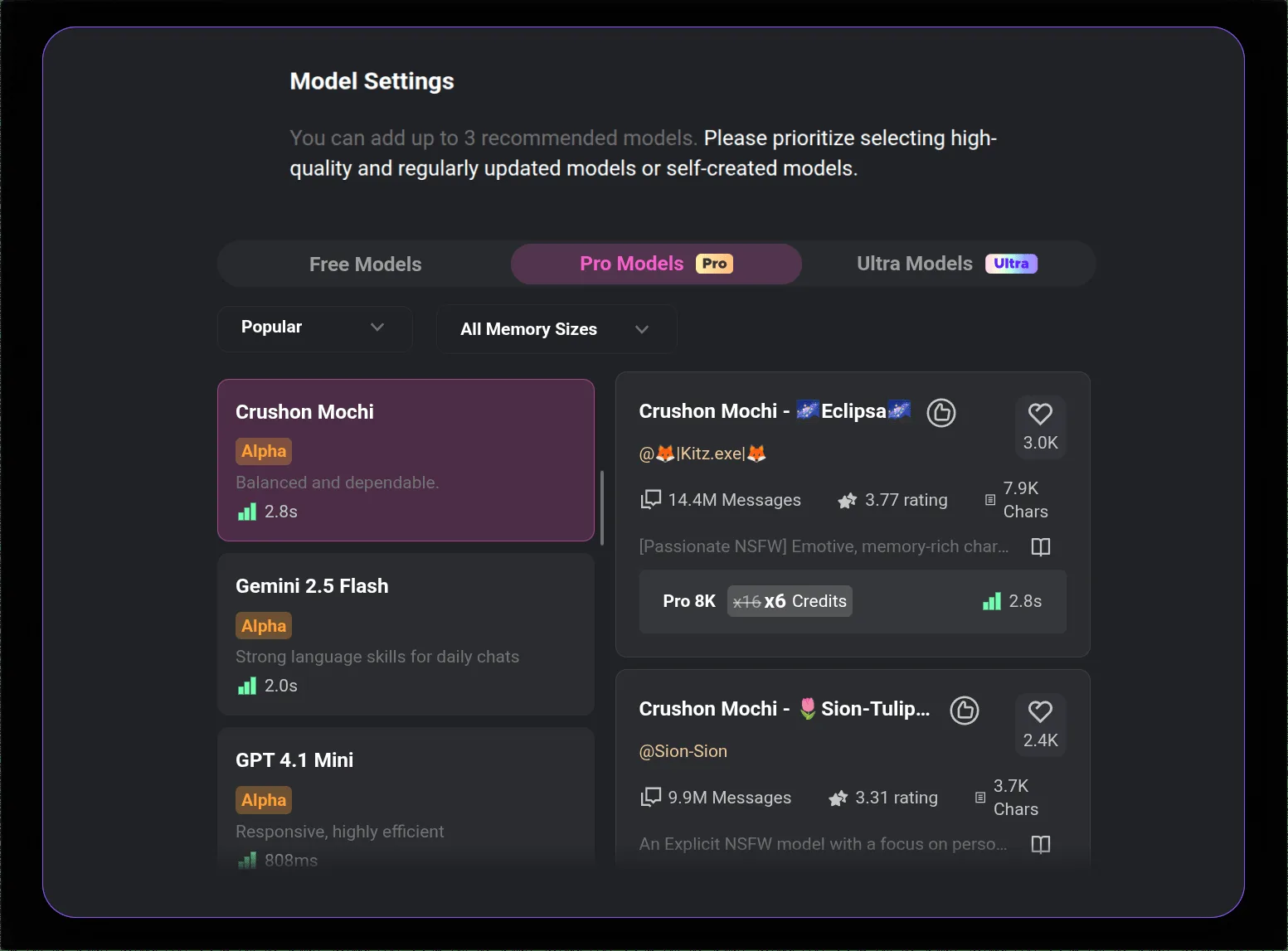
Fix: Switch models. In your conversation settings, select MythoMax, GPT-4o, or Claude 3.5 Sonnet instead. These models have been consistently more stable. If you specifically need DeepSeek for its characteristics, wait and check @CrushonAI for updates on model stability.
Fix: CrushOn AI Not Working on iPhone
Issue 1: App not in App Store
The iOS app has been removed from some regional App Stores due to Apple content policies. Solution: use crushon.ai in Safari. Add to Home Screen for app-like experience. Full functionality is available.
Issue 2: App crashes after iOS update
Update to the latest CrushOn AI app version. If no update is available for your iOS version, use the web version until an update arrives.
Issue 3: Safari loading issues
Clear Safari cache: Settings > Safari > Clear History and Website Data. Re-navigate to crushon.ai.
Known Issues (May 2026)
| Issue | Status | Best Workaround |
|---|---|---|
| DeepSeek model instability | Ongoing in 2026 | Use MythoMax, GPT-4o, or Claude 3.5 Sonnet |
| iOS App Store unavailability (some regions) | Ongoing | Use web version in Safari |
| "Image not found" during peak hours | Intermittent | Retry after 5+ minutes |
| Slow free-tier response times | Expected behavior | Upgrade for dedicated capacity |
When to Contact CrushOn AI Support
Contact support when:
- You were charged incorrectly
- Your account was suspended without violation
- A bug has persisted for 48+ hours despite all standard troubleshooting
- You cannot cancel a subscription through the normal flow
Support contact is through the official crushon.ai website contact form. For billing issues through Subscribestar, contact Subscribestar directly. For App Store subscription issues, contact Apple or Google support.
For download and installation help, see our download guide. For account management, see our account deletion guide.
Frequently Asked Questions
CrushOn AI experiences periodic downtime from maintenance, high traffic, or infrastructure updates. Check @CrushonAI on Twitter for the most current status. Most outages resolve within minutes to a few hours.
Check two sources simultaneously: @CrushonAI on Twitter and try loading the site in two different browsers. If both fail, the platform is likely down. Twitter will have a status update if an outage is ongoing.
"Image not found" errors and loading failures are most common during server congestion periods (peak hours). Wait 5-10 minutes and retry. If persistent, check Twitter for server status updates.
AI repetition loops happen in long conversations. Fix: start a new conversation with the same character, or switch models — a different model breaks the repetition pattern. Explicitly redirecting the AI in your message ("Let's continue from a different angle — tell me about...") also helps.
The iOS App Store availability has been inconsistent due to Apple's NSFW content policies. If the app isn't available in your regional App Store, use crushon.ai in Safari — it has identical functionality.
Free tier users share server capacity with all other free users. Response times improve substantially on Standard tier and above, which includes dedicated server capacity. Peak hours (evenings US time) are slowest. If speed matters, the Standard plan upgrade is the most effective solution.